Watch DVD on Basement TV
Smart TV · dvd · 5 steps

Online Version
- 1
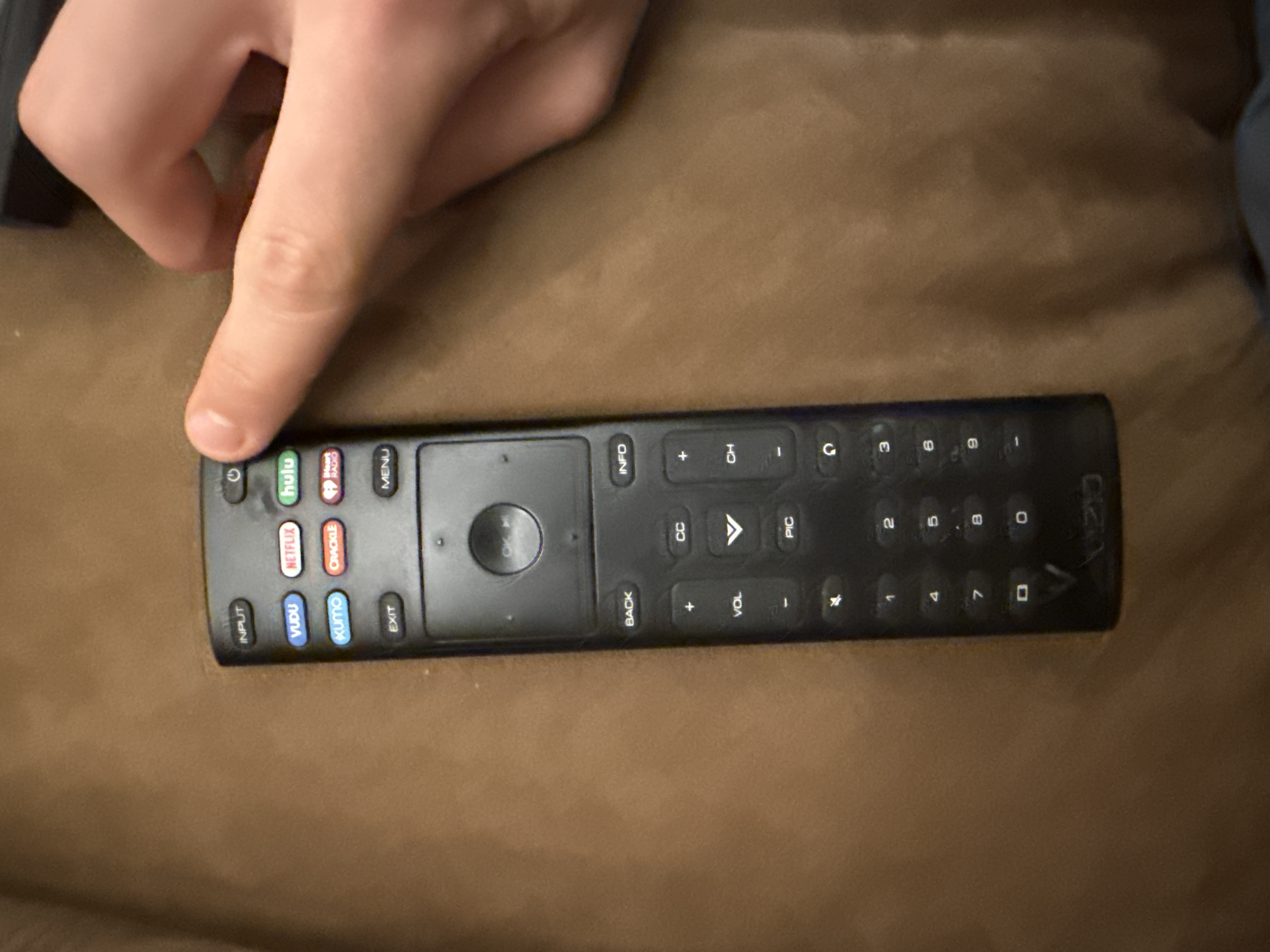
Turn on TV
Find Vizio Remote. Turn on TV.
- 2
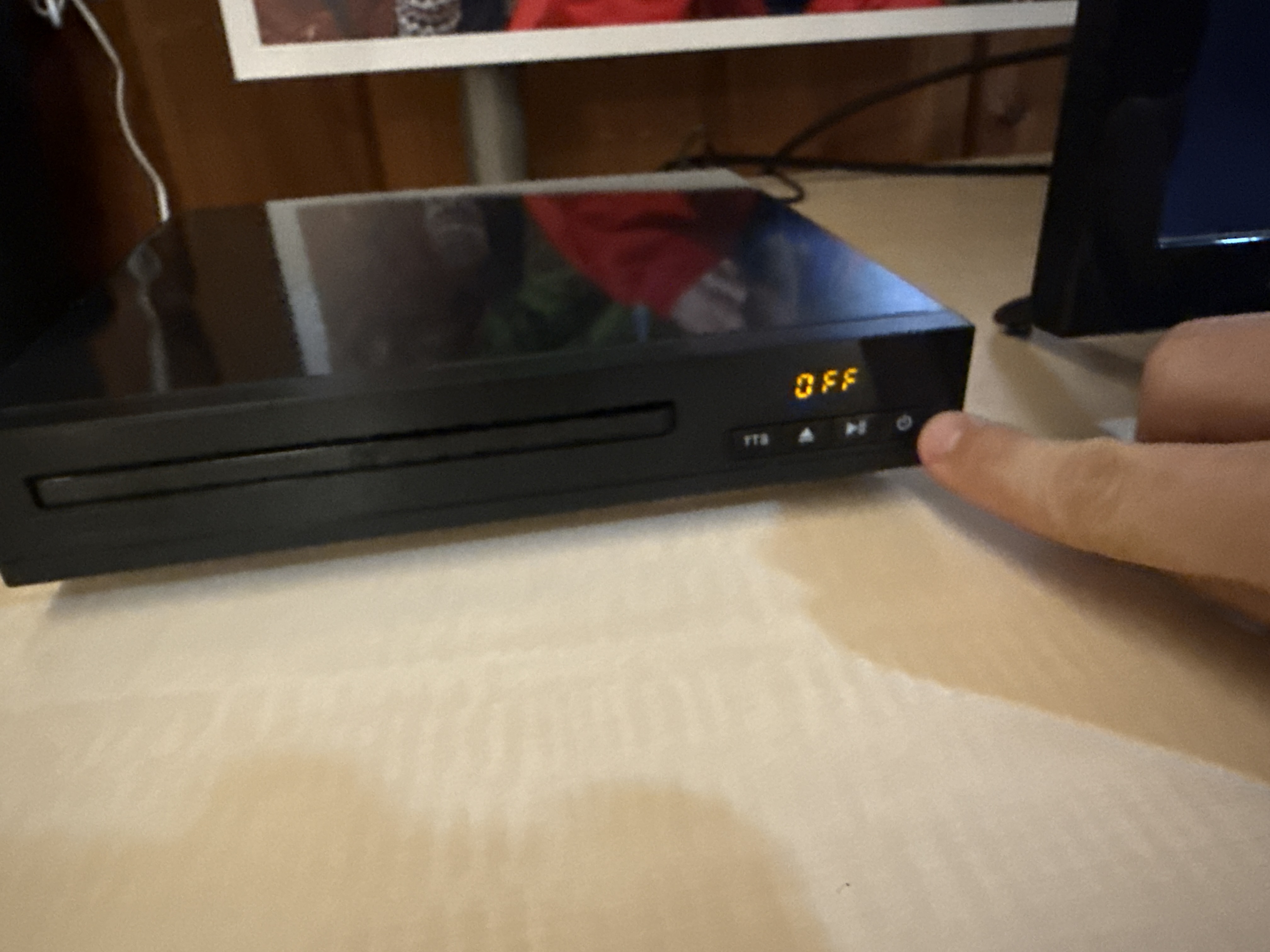
Turn on DVD player
Press power button on DVD player or use DVD remote
- 3
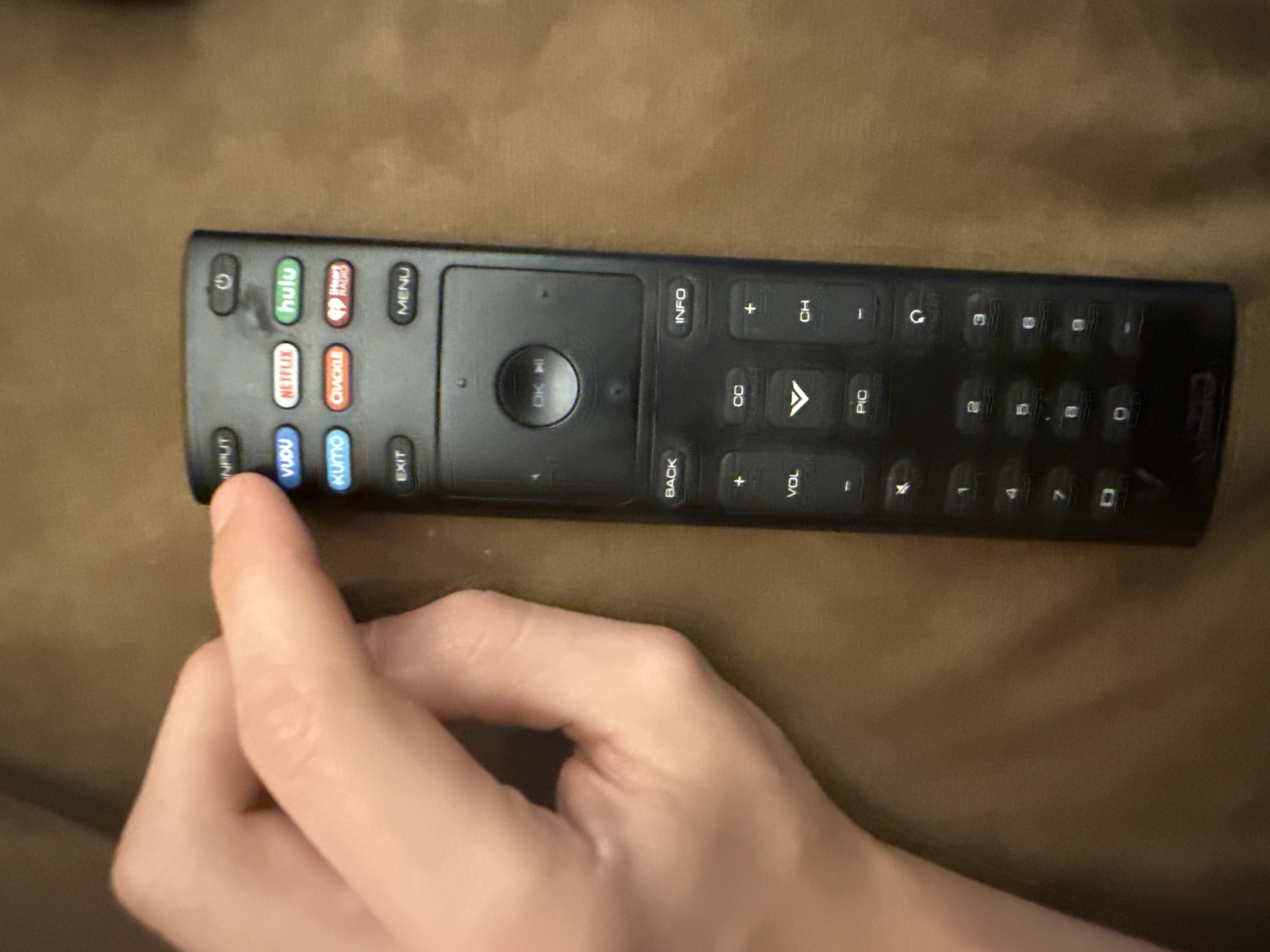
Change Input to DVD
Press the "Input" button on top left. press again until "dvd player" is selected.
- 4
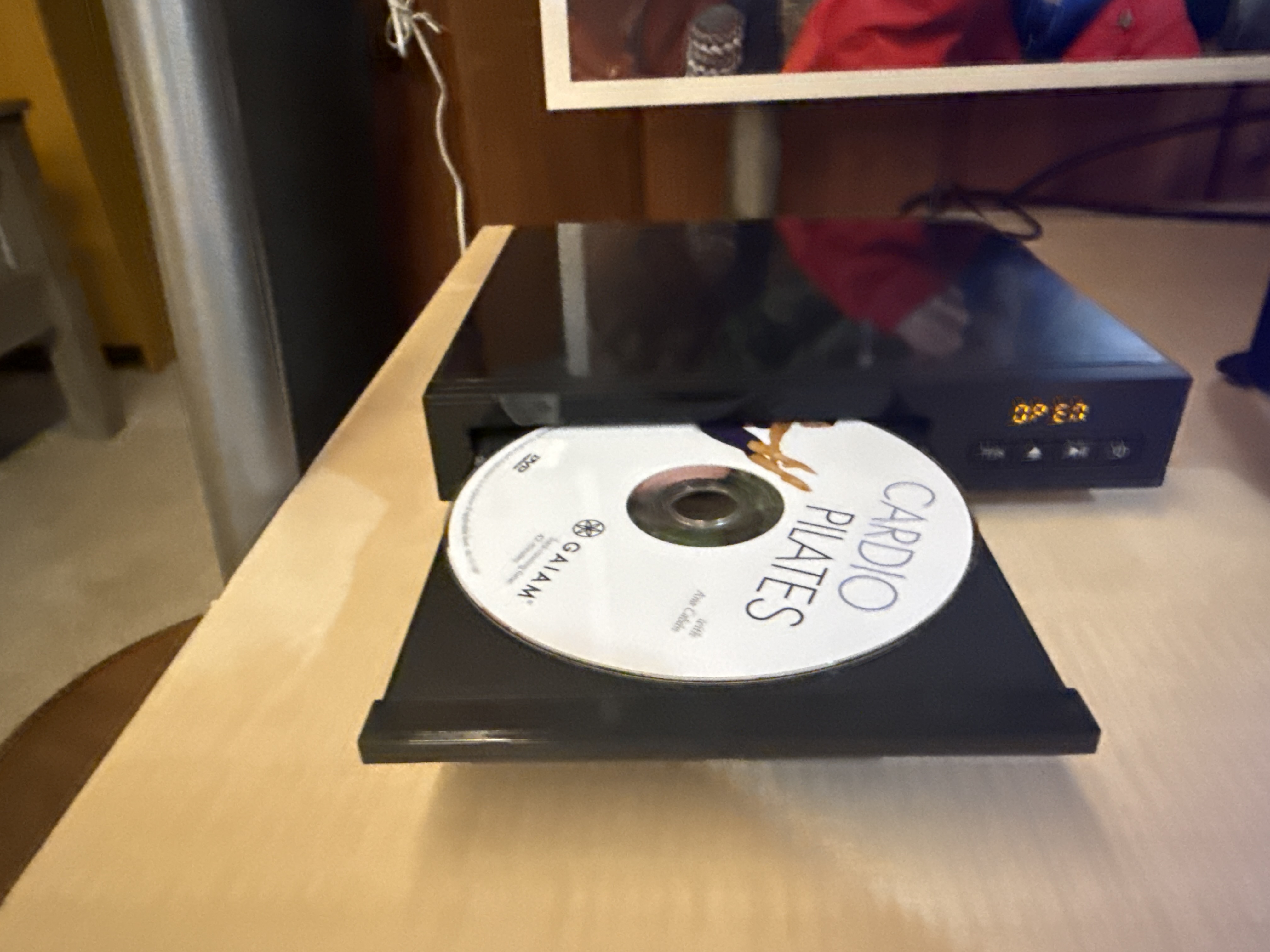
Put in DVD
if you need to change the DVD. One the DVD player, press the eject button that looks like an arrow going up. the door will slide out. add your DVD. Push the tray in. It should start playing.
- 5
Control DVD player
Use the DVD player remote to control the DVD player. It says the brand "ONN" on the bottom
Last updated Oct 7, 2026 · Example · Doesn't look right? Call Sam · 555-0100
Need more help?
Point your phone camera at this square. Tap the link that pops up.